1
Set your Fajr alarm
Download the free Android app and choose the time you want to wake.
Takes under a minuteFajrMate makes dismissing your Android alarm intentional. Place the Wake Up Tag or NFC tag away from your bed, then scan or tap it to stop the alarm.

A small physical action creates the distance you need to leave bed and begin your morning.
Download the free Android app and choose the time you want to wake.
Takes under a minuteKeep the NFC tag or Wake Up Tag in your bathroom, hallway, or prayer space.
Away from your bedWalk to the tag and scan or tap it. By then, you're already out of bed.
Start with intentionThe kit includes both dismissal methods, so you can use the option that fits your device and routine.
Place the high-contrast marker in another room or near your prayer space. Walk there and scan it with the FajrMate app.
Works through your phone cameraPlace the NFC tag away from bed and tap your compatible Android phone against it when the alarm rings.
Quick tap for NFC-compatible phones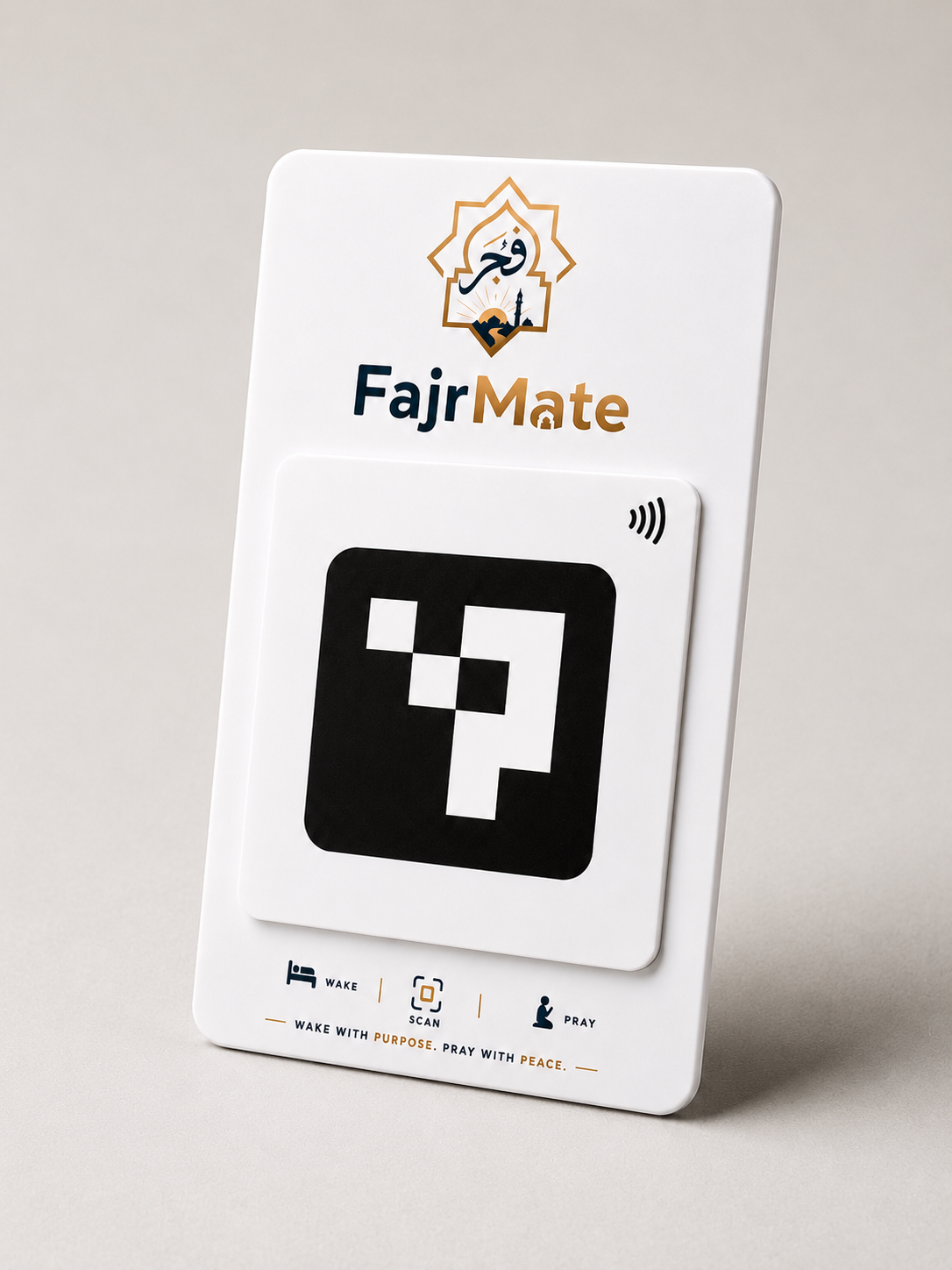
Two reliable ways to dismiss your alarm, designed for different phones and morning routines.
Clear answers about the app, tags and how the system works.
No. The Android app is free and the physical Wake Up Tag + NFC kit is a one-time purchase.
No. The kit also includes the Wake Up Tag, which uses your Android phone camera. NFC is an additional option for compatible phones.
Place it somewhere that requires you to leave bed, such as a hallway, bathroom or prayer area.
Use the Track Order page with your order number and the phone number used during checkout.
While the Play Store listing is being prepared, the website can provide a direct Android download whenever enabled by FajrMate.
Choose the complete kit with both Wake Up Tag and NFC dismissal options.